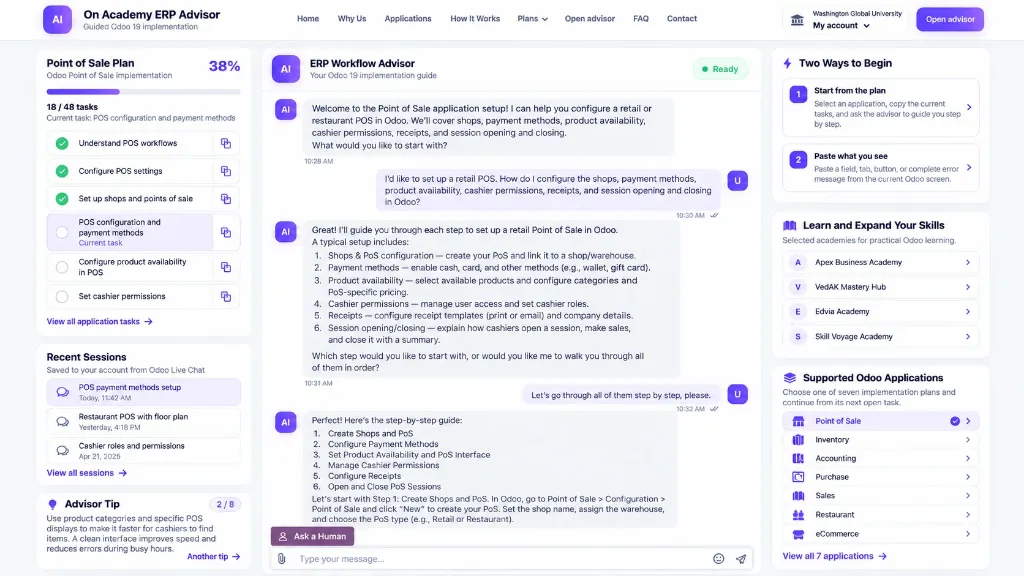
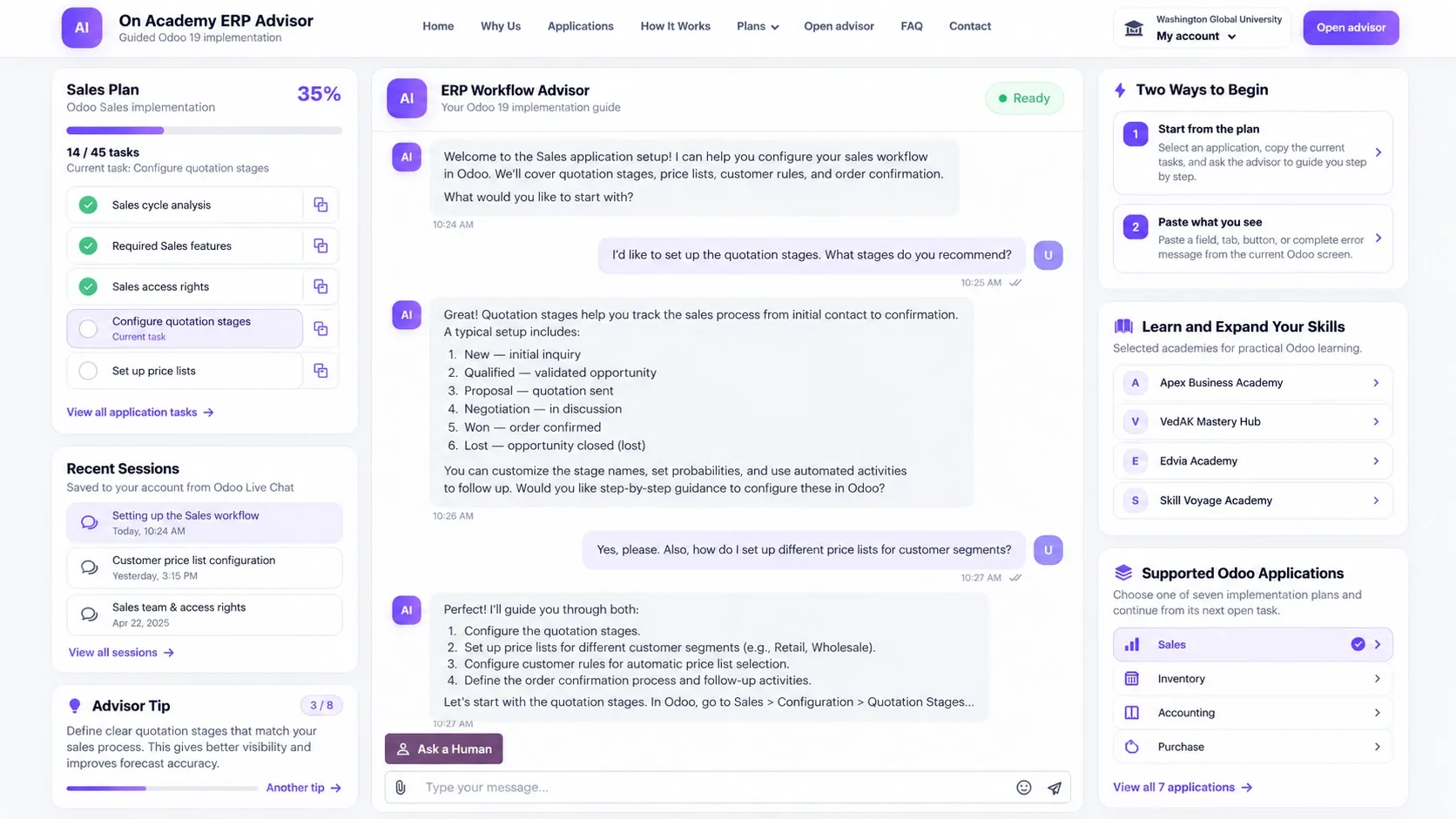

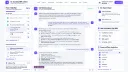
Clear path inside Odoo
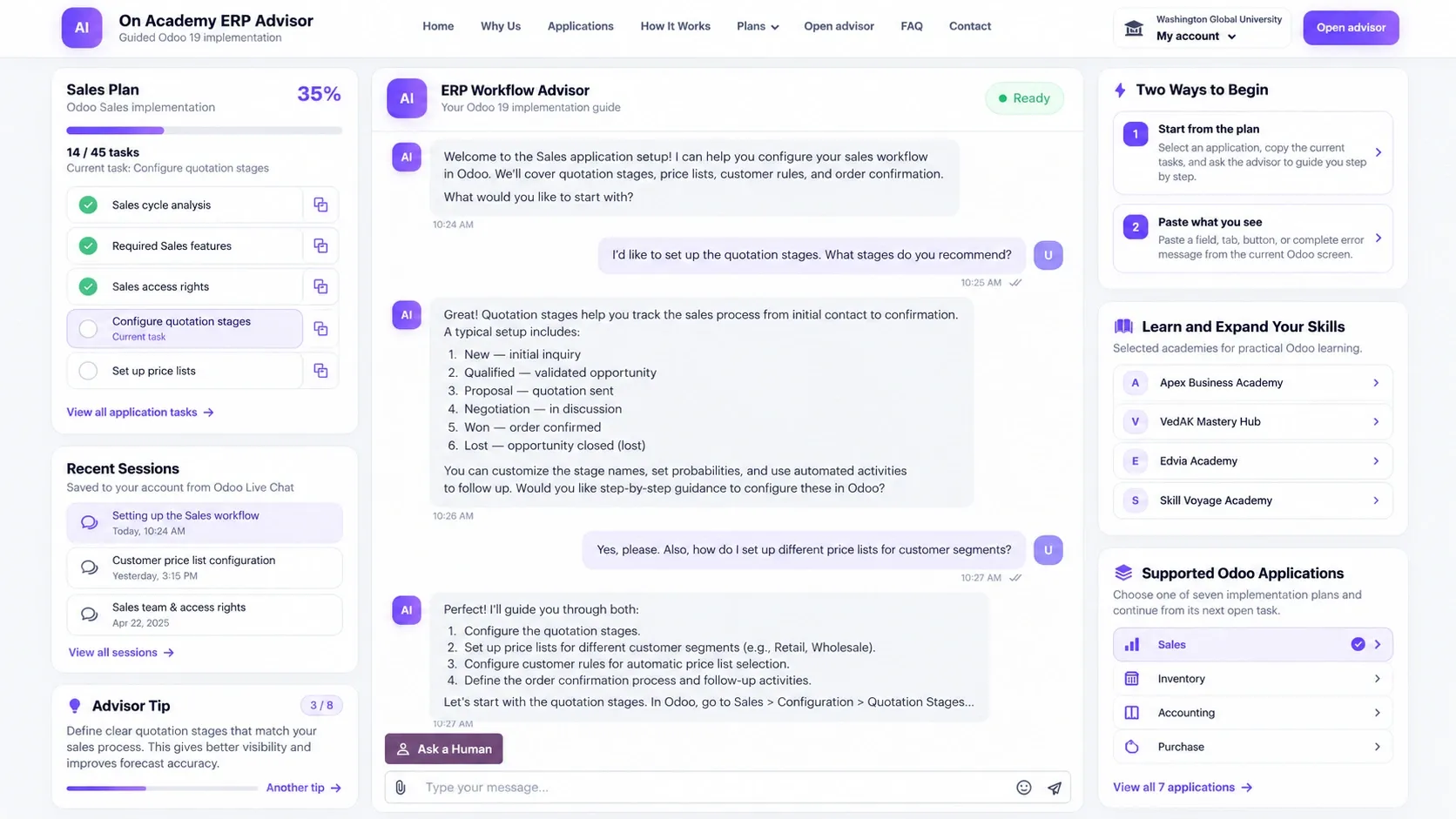
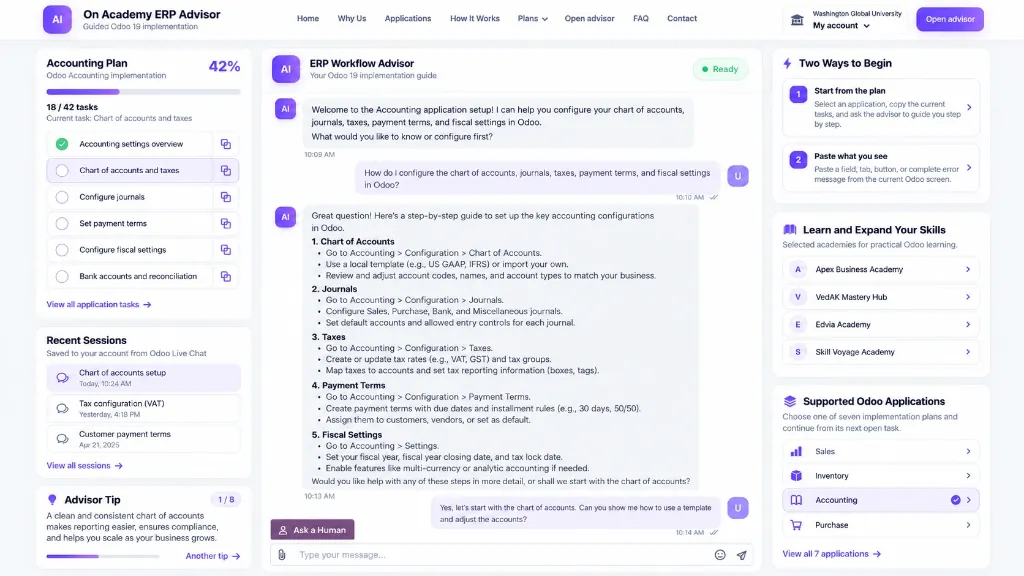
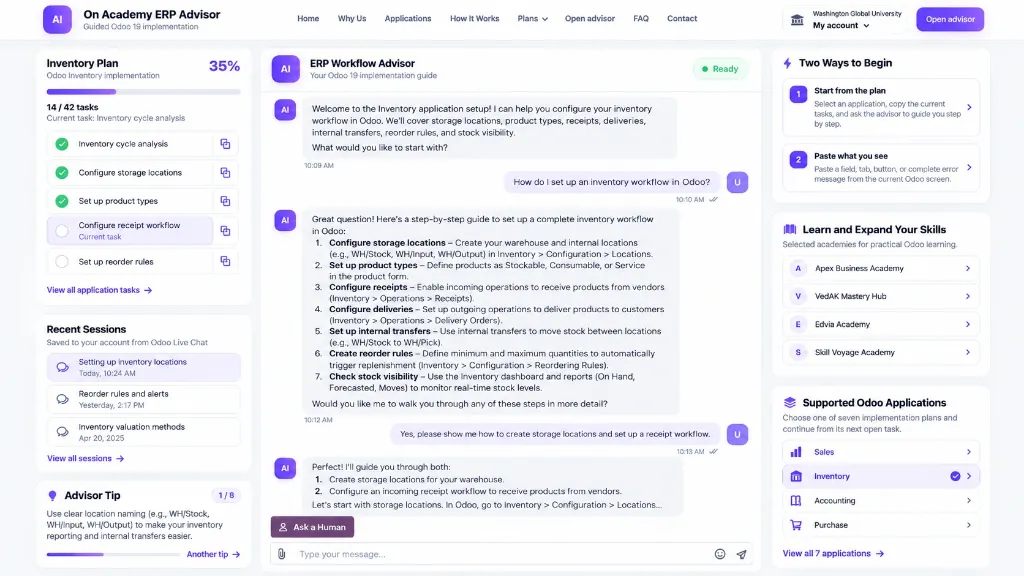
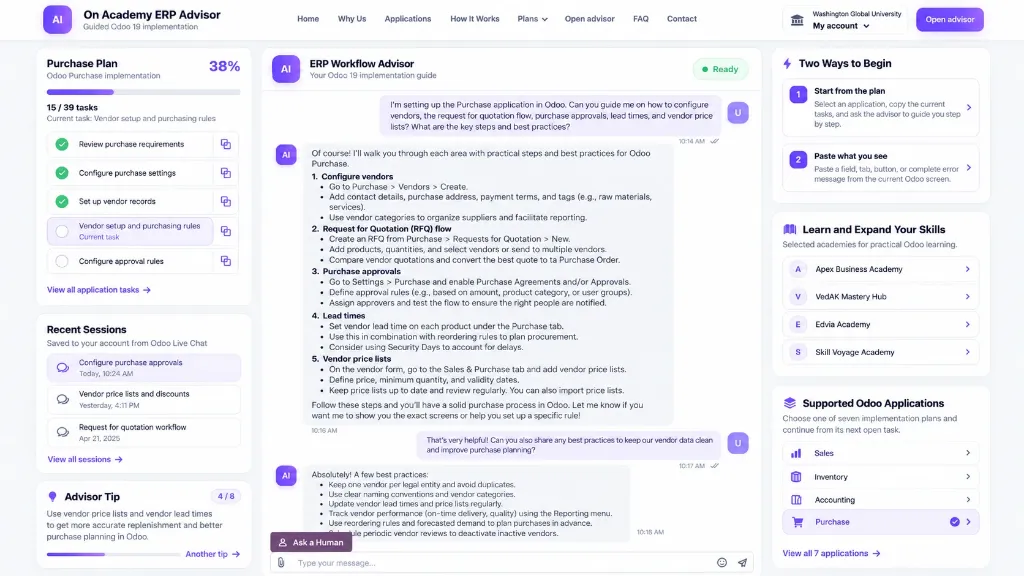
Move from the business result to the relevant application, menu, screen, setting, transaction, and validation point.
Focused recurring access
Use the membership for an active configuration phase, workflow review, internal training period, or client project where you need structured Odoo 19 guidance. The membership renews every 30 days until managed or cancelled through your customer account.
Move from the business result to the relevant application, menu, screen, setting, transaction, and validation point.
Distinguish feature activation, configuration, and operational execution instead of mixing them into one instruction.
Test representative transactions and inspect the expected downstream result before depending on the configuration more broadly.
Consider connected records and workflows when Sales, Inventory, Purchase, Accounting, Manufacturing, POS, or Expenses affect one another.
Seven guided applications
Each application has its own guided page while the advisor helps connect related settings, transactions, dependencies, and validation.
Access journey
Use the user account and email that should receive and use the membership access.
The account must be recognized as entitled before protected advisor access becomes available.
Use the intended customer account after purchase to reach the protected guidance environment.
Work through the required workflow, validate the result, and return to saved work while access remains active.
Who can use the guided approach?
Use the focused access period for configuration review, employee enablement, process validation, and clearer development scopes where required.
Explore the Business Owner Plan → Service ProviderUse the membership to support discovery, functional configuration, dependency review, testing, and handover logic.
Explore the Service Provider Plan →Before purchasing
Quick answers
Return to the purchase section above to complete your 30-Day ERP Guidance Membership.
Focused recurring access
Use the membership for an active configuration phase, workflow review, internal training period, or client project where you need structured Odoo 19 guidance. The membership renews every 30 days until managed or cancelled through your customer account.
Move from the business result to the relevant application, menu, screen, setting, transaction, and validation point.
Distinguish feature activation, configuration, and operational execution instead of mixing them into one instruction.
Test representative transactions and inspect the expected downstream result before depending on the configuration more broadly.
Consider connected records and workflows when Sales, Inventory, Purchase, Accounting, Manufacturing, POS, or Expenses affect one another.
Seven guided applications
Each application has its own guided page while the advisor helps connect related settings, transactions, dependencies, and validation.
Access journey
Use the user account and email that should receive and use the membership access.
The account must be recognized as entitled before protected advisor access becomes available.
Use the intended customer account after purchase to reach the protected guidance environment.
Work through the required workflow, validate the result, and return to saved work while access remains active.
Who can use the guided approach?
Use the focused access period for configuration review, employee enablement, process validation, and clearer development scopes where required.
Explore the Business Owner Plan → Service ProviderUse the membership to support discovery, functional configuration, dependency review, testing, and handover logic.
Explore the Service Provider Plan →Before purchasing
Quick answers
Return to the purchase section above to complete your 30-Day ERP Guidance Membership.
AI-guided Odoo implementation, configuration planning, progress tracking, and saved advisory sessions in one workspace.